 Loading... Please wait...

- Home
- Applications
- LibreOffice PRO Office Suite Home Student Business on DVD
LibreOffice PRO Office Suite Home Student Business on DVD


Product Description
Everything You Need for Everyday Office Work
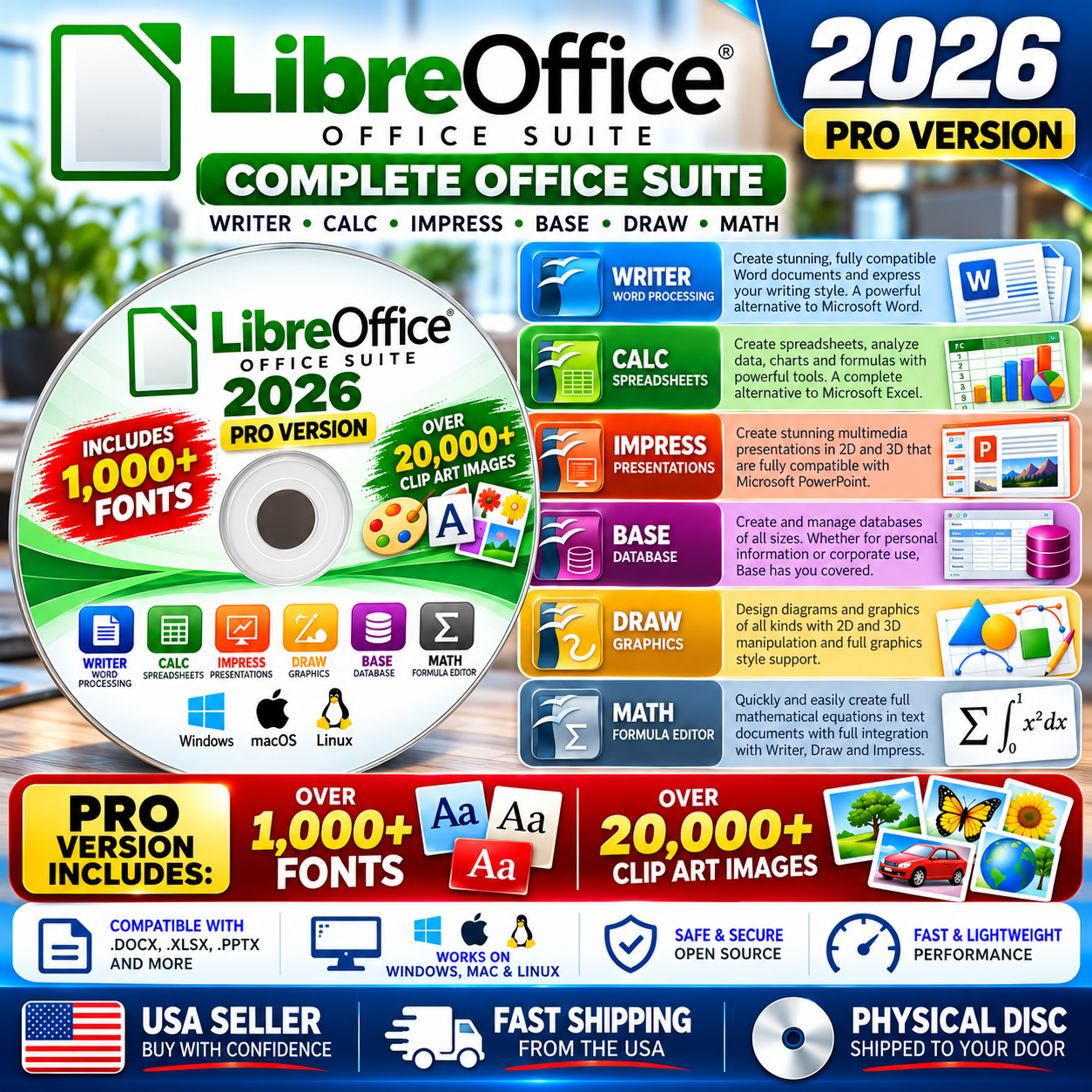
Bring together your word processing, spreadsheet, presentation, database, drawing and equation needs with Libre Office Software Suite PRO.
Whether you're preparing a business letter, creating a household budget, building a presentation, organizing information or designing a flyer, OpenOffice provides a collection of integrated applications for everyday productivity.
This PRO Edition expands the package with a huge collection of additional creative material: more than 1,000 fonts and over 20,000 clip-art images.
|
6
Office Applications
|
1,000+
Bonus Fonts
|
20,000+
Clip-Art Images
|
Six Applications — One Integrated Suite
| WRITER Documents & Word Processing Create letters, reports, resumes, school assignments, newsletters and other documents. Format text and pages, insert tables and graphics, use styles, create indexes and footnotes, perform mail merges and export finished work to PDF. |
| CALC Spreadsheets & Data Build budgets, financial worksheets, inventories, lists and calculation sheets. Work with formulas and functions, organize information, create charts, sort data and apply filters. |
| IMPRESS Presentations & Slideshows Prepare professional presentations using text, photographs, diagrams, charts and other visual elements. Add transitions, animations, speaker notes and reusable slide layouts. |
| DRAW Graphics & Diagrams Produce flowcharts, organizational charts, diagrams, labels, illustrations, posters and other graphic projects using drawing and vector-design tools. |
| BASE Database Tools Organize structured information such as customer records, inventories, collections or membership lists. Build tables, queries, forms and reports. |
| MATH Equations & Formulas Create mathematical and scientific expressions including fractions, matrices, integrals, summations and other notation for use in documents and presentations. |
|
What Makes This the PRO Edition?
The standard office applications are only part of this package. We've also included two large creative collections to provide many more choices when designing your projects.
|
Compatible With Many Familiar Document Formats
OpenOffice can work with numerous commonly used office-document formats, making it useful for opening, editing and exchanging files created by other productivity applications.
| Type | Examples |
| Documents | ODT, DOC, DOCX, RTF, TXT, HTML and related formats |
| Spreadsheets | ODS, XLS, XLSX, CSV and related formats |
| Presentations | ODP, PPT, PPTX and related formats |
| Graphics | ODG, SVG, PNG, JPG, BMP, GIF, TIFF and additional image formats |
Our Office Software also provides PDF export, allowing many finished projects to be converted into a convenient format for viewing, printing and sharing.
Compatibility can vary with complex documents and features unique to other office programs. Important converted documents should always be reviewed for formatting accuracy.
|
Great for Home, School & Business
|
What's Included With Your Purchase?
| ✓ | Libre Office productivity software suite |
| ✓ | Writer, Calc, Impress, Draw, Base and Math |
| ✓ | 1,000+ bonus fonts |
| ✓ | 20,000+ bonus clip-art images |
| ✓ | Physical DVD/CD media |
| ✓ | Installation / getting-started information |
| IMPORTANT — Optical Drive Required This edition is supplied on physical DVD/CD media. Your computer must have a compatible optical disc drive capable of reading the supplied media. Computers without an optical drive will require an external compatible disc drive or our separate edition that includes USB media. |
Straightforward Installation
| 1. Insert Your Disc Place the supplied physical media into a compatible optical drive. |
2. Install Follow the supplied installation information to install the software and desired bonus resources. |
3. Start Working Launch the application you need and begin creating your project. |
|
No Recurring Office-Suite Subscription
Our Office Software Suite is productivity software. The Libre Open Office software suite itself does not require a recurring monthly software subscription or a product activation key. Once installed, its core applications run locally on your compatible computer, so you can work on ordinary documents without relying on a cloud-based office service. |
Frequently Asked Questions
Is a product key required for to use the Office Suite?
No. It does not require a paid activation key.
Are the fonts and clip art actually included?
Yes. This PRO package includes a collection of more than 1,000 fonts and over 20,000 clip-art images in addition to the office software.
Is this downloadable software?
No. This listing is specifically for physical DVD/CD media as described above.
Can this Office Software Suite work with Microsoft Office formats?
It supports many familiar formats including DOC, DOCX, XLS, XLSX, PPT and PPTX. Formatting compatibility can vary with complex documents or features specific to another application.
Can this Office Software Suite export documents to PDF?
Yes. PDF export is available for supported document types.


